

Turn Notion into your holiday headquarters with this notion christmas template kit — a calm, all-in-one christmas dashboard for the busiest month of the year. Instead of scattered notes and forgotten lists, you get four ready-to-import databases that organise tasks, gifts, recipes and events in one place, plus a step-by-step PDF guide that walks you through setup in about 20 minutes. This holiday notion planner works with a free Notion account: deadlines on a calendar, a gift list that tracks budgets, and a menu plan that lives next to your events.
What’s inside:
- Tasks.csv — to-dos with due dates, statuses and categories (samples included)
- Gifts.csv — gift ideas, budgets and shopping status per person
- Recipes.csv — holiday menu database with courses, servings and timings
- Events.csv — concerts, parties and gatherings with dates and guests
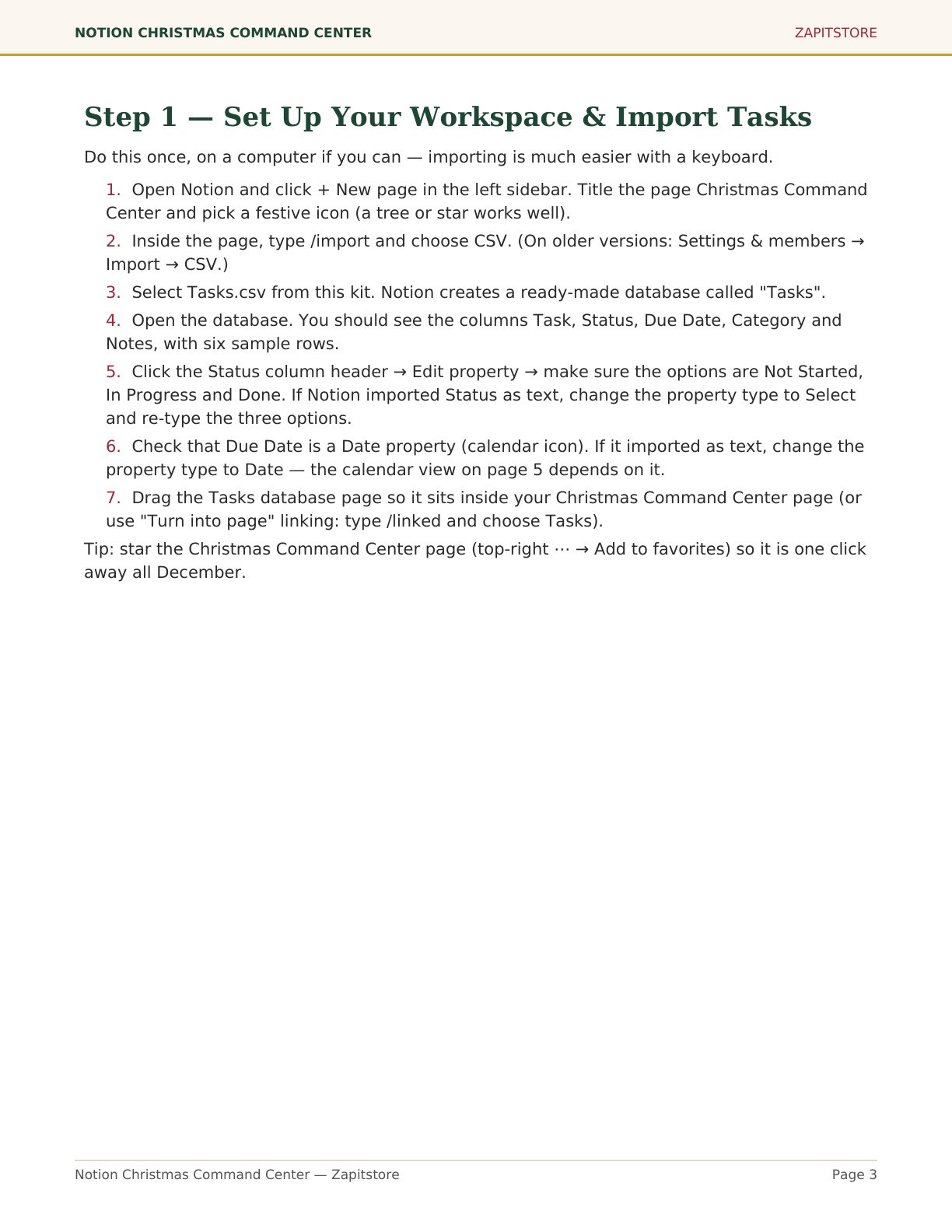
- 8-page PDF setup guide with step-by-step import instructions
- Suggested Notion views: board by status, calendar by due date, recipe gallery
- Printable one-page December dashboard for the fridge
Who it’s for: productivity fans and Notion users who want one dashboard instead of ten apps and sticky notes.
How it works: download instantly, import each CSV into Notion (click-by-click instructions included), edit the sample rows, and add your own. Note: this is a CSV kit with a setup guide — not a duplicate-link template — so the databases live in your own account and never expire.
FAQ
Do I need a paid Notion plan? No — everything works on the free plan.
Is this a template link I duplicate? No — you import the included CSVs into your own workspace using the guide (about 20 minutes).
Can I edit the files first? Yes — open them in Excel or Google Sheets, just keep the header row unchanged.


 No products in the cart.